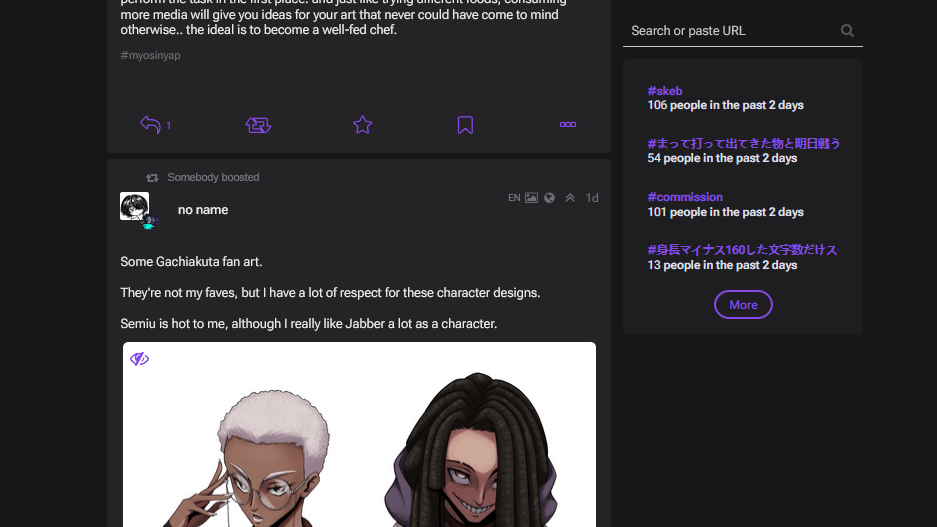
# Ironically, despite the internet being around for a fair amount of time now, social media websites aren’t actually very good website designs. In fact they’re intentionally bad at certain things. But what’s the alternative?
#Separation VS Mixing
#
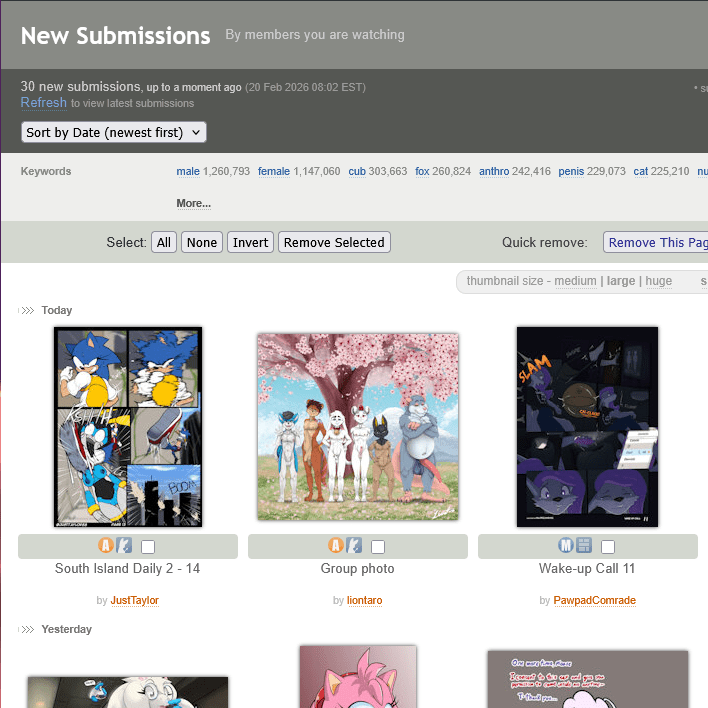 Imagine that you’re following an artist and you have a way to see just the art they made recently. Wouldn’t that be handy?
#
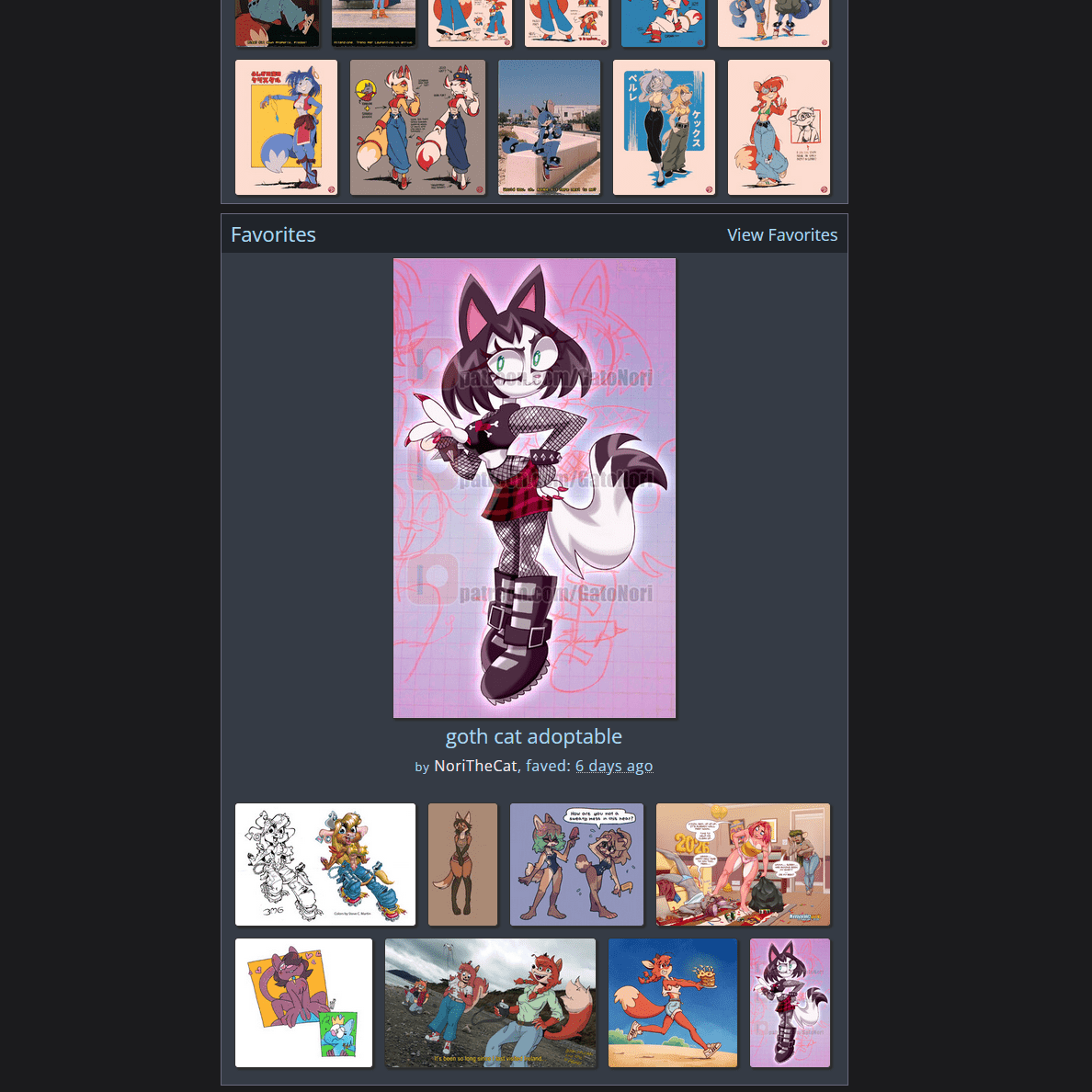 What if you could see retweeted or recommended art in a separate list? So you can tell if this artist drew it or somebody else? Even better, make it a gallery!
# And their opinions. What if you only care about some people’s opinions and not others? Maybe you could follow that separately? … in a list… not mixed in with all of the art? Woah!!
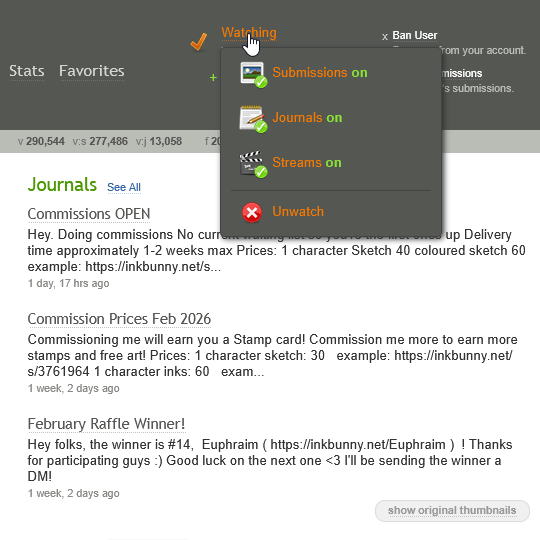
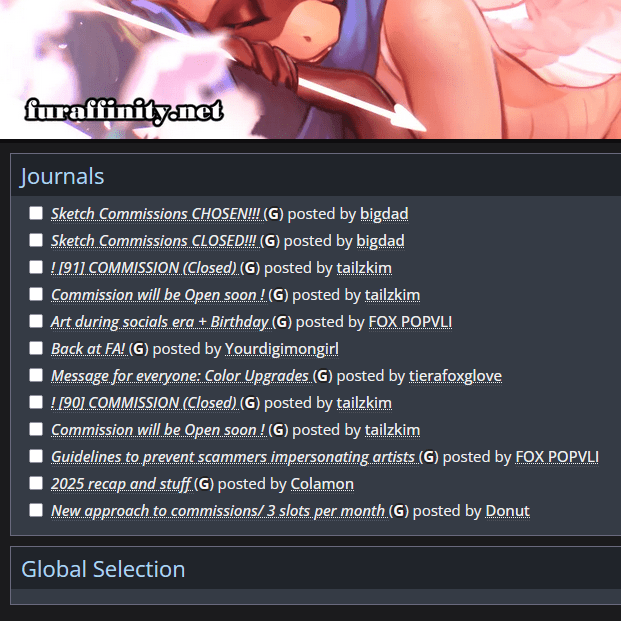
# I just described an older design that pre-dates social media. Multiple websites today actually still work this way. But they’re not apps. They’re websites… on the internet… that you visit. Like some kind of caveman who is somehow having a better experience than everybody else.
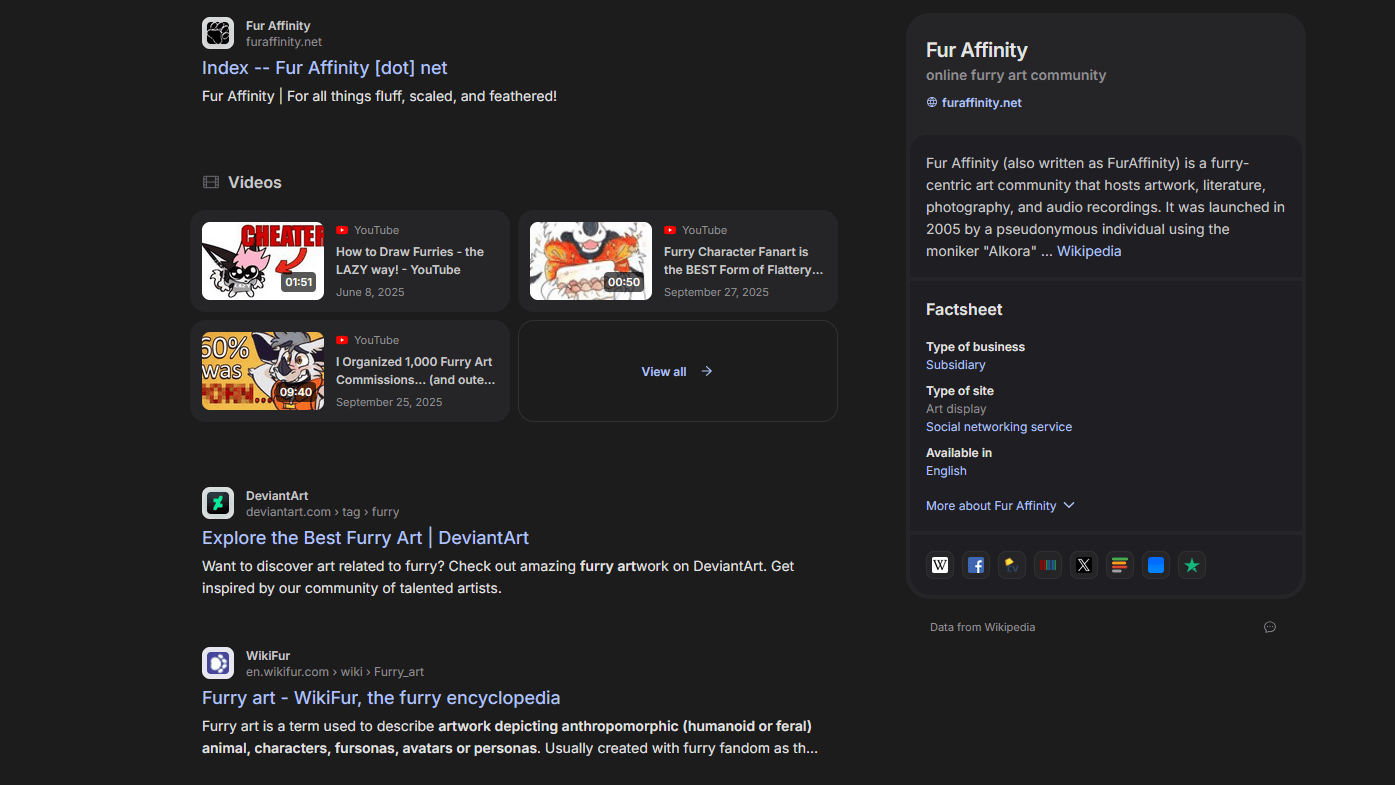
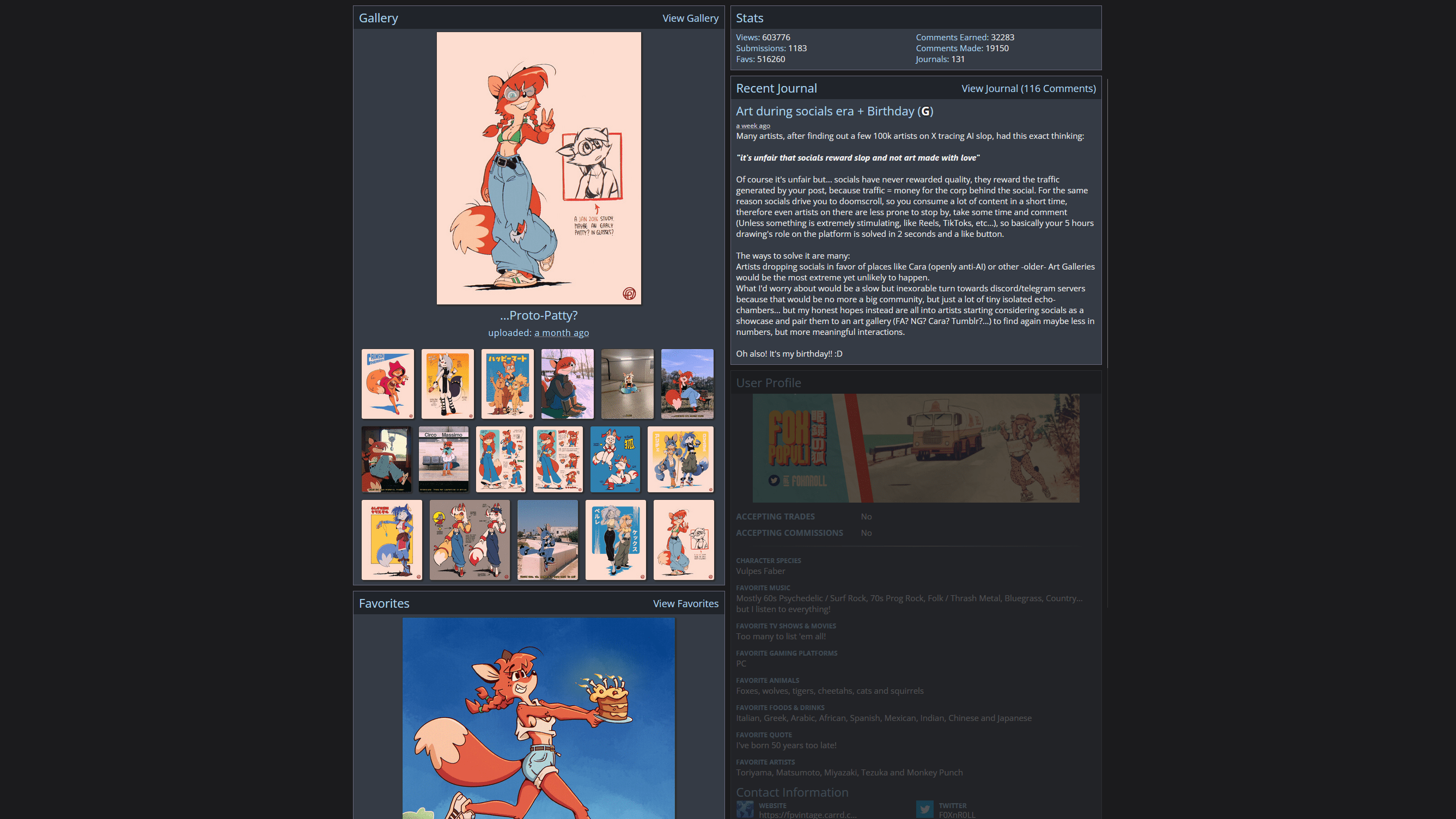
# For example, FurAffinity separates an artist’s page into 3 sections:
#
This makes it easy to ignore things you don’t care about, because it’s actually organized! If you only want to see art, then that is ALL you will ever see. What a concept!
This also reduces drama because opinions are contained in their journal, so people only see it when they intentionally look at it, instead of comments being randomly shoved into everybody’s face all the time.
#
Social media mixes all of these things together into a confused mess, forcing random opinions in your face, whether you’re interested or not. Doing this tempts strangers into reacting to opinions not directed at them, which encourages drama.
Mixing these things together is also less useful for the viewer, because it’s harder to find things they want, and nearly impossible to ignore stuff they don’t care about.
#Infinite Scrolling
# A gallery lets you instantly see everything that’s new without needing to scroll past each individual post one… at… a… time. There’s no guesswork. You know where the new posts end.

#
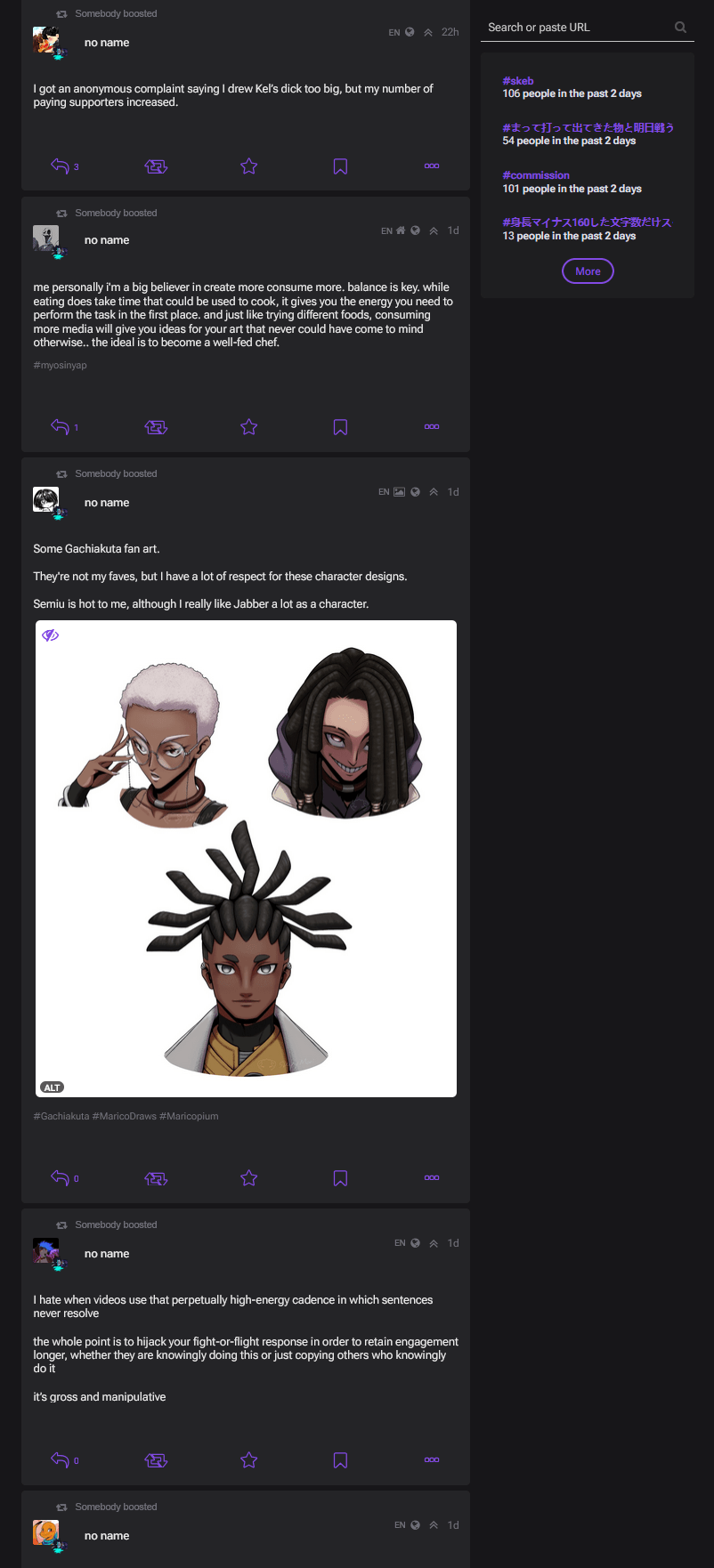 A scrolling feed makes checking for new things a slow manual process. It wastes your time by turning the act of checking for new stuff into a slow manual laborious process instead of an instant result.
# One of the best things about an “inbox” gallery approach is that after you look at everything that’s new for the day, that inbox becomes empty! Because you are done. Freedom!!
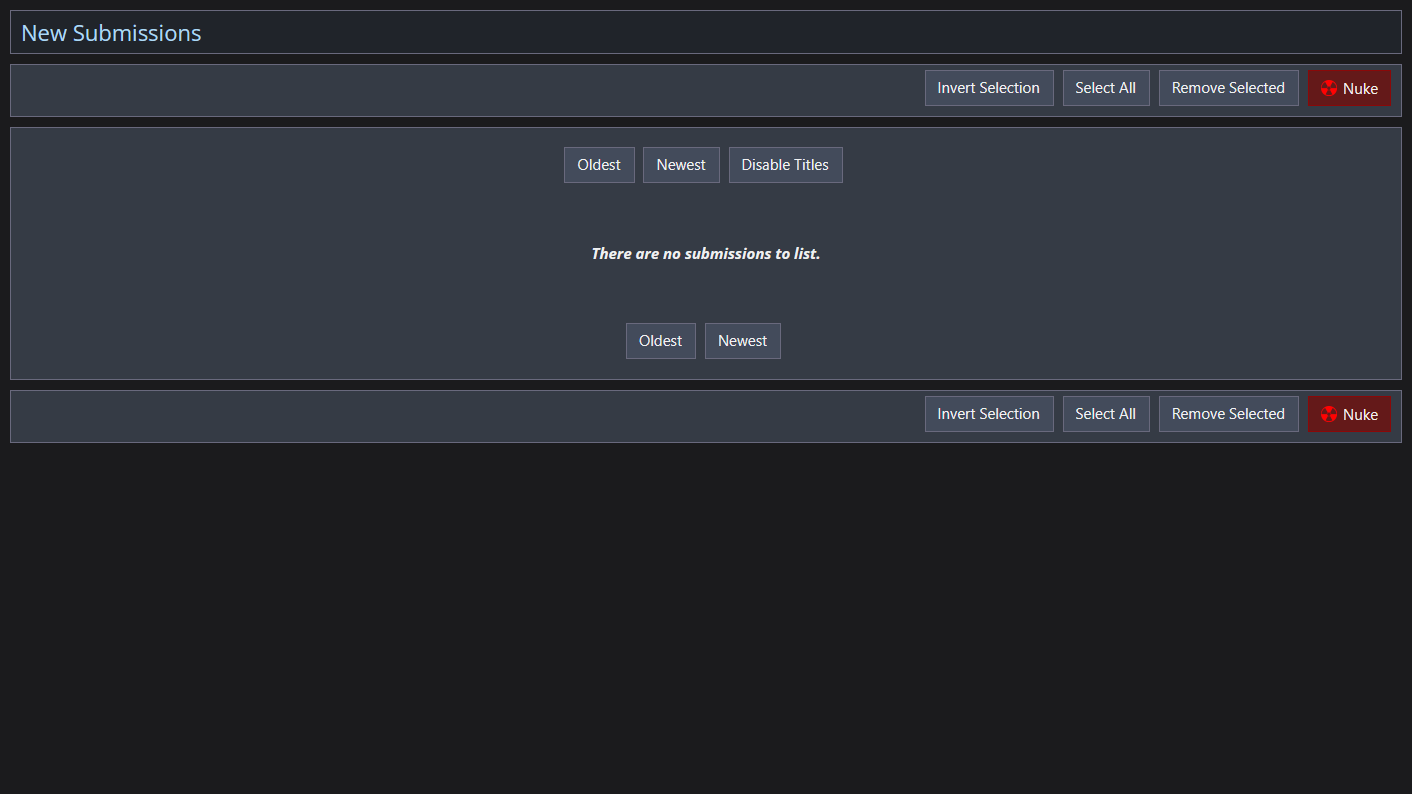
# Afterwards you can find more stuff using the search bar, or you can decide you are done and leave. This design lets you choose!
# An algorithm is like a search happening automatically… at random. When something happens automatically, it subdues choice. This auto-search will keep your list scrolling forever, so you feel trapped trying in vain to reach an end that never comes.
# Endless scrolling isn’t necessarily the same as infinite content.
#
Discord has unlimited scrolling with limited content. It ends at the most recent message.
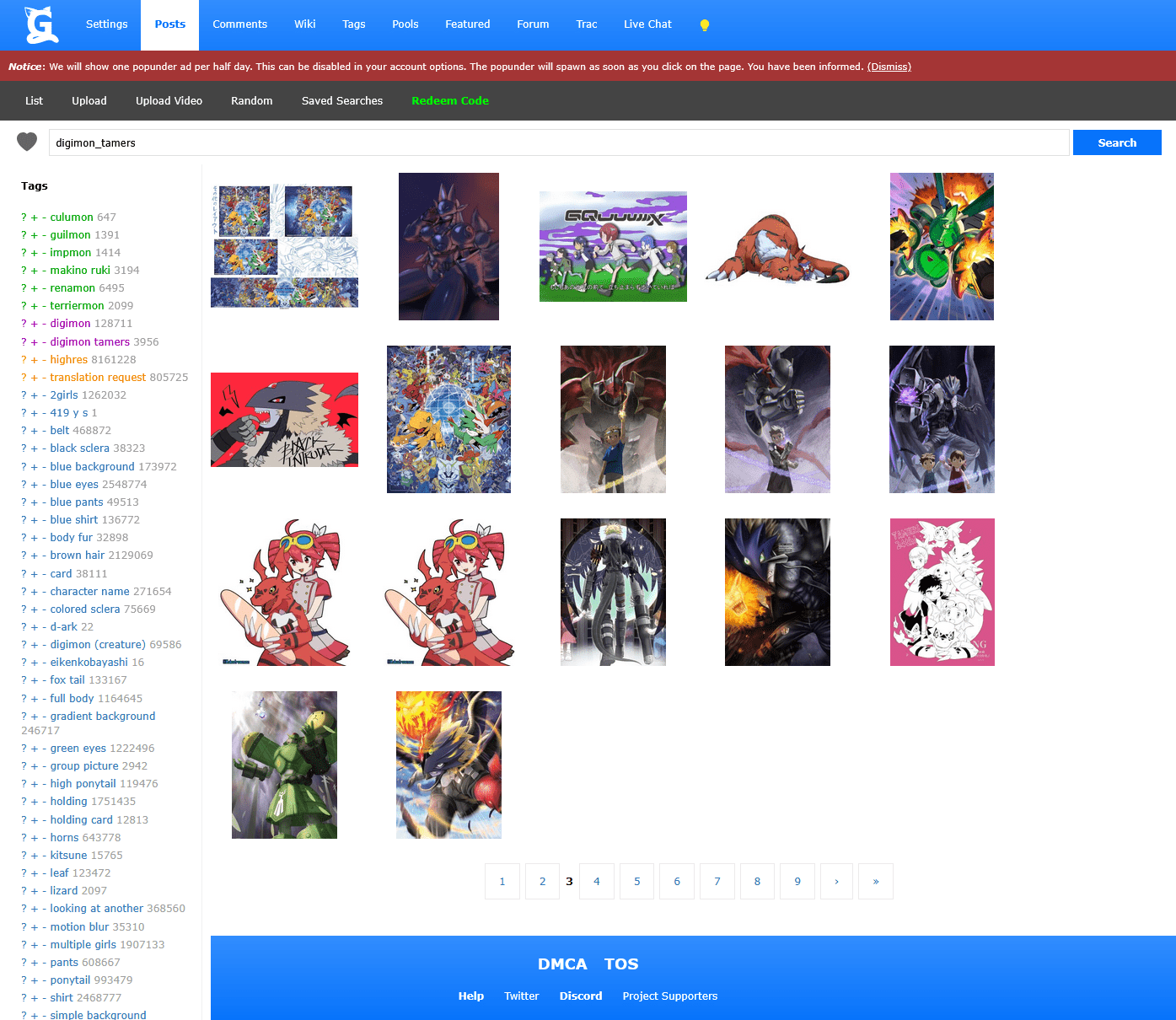
Image booru sites limit their scrolling by separating it into pages, but with near-infinite content.
# Pages are nice because the bottom of each one is like a checkpoint where you can choose to stop if you’ve had enough. And you can see how many total pages there are so you’re not guessing when it will finally end.
#Check Websites Using RSS Feeds
# It’s also possible to follow entire websites instead of people. It’s called an RSS feed. If ign.com posts an article you can see it show up in a simple list. YouTube and Mastodon also have RSS feeds, so you can follow YouTube channels and see what people post on Mastodon this way. This means you can instantly see whether or not there’s anything new. If the list is empty then you don’t have to waste your time manually visiting the site itself to check. You can even combine these lists and check multiple sites all at once.
# “Being done” is useful, because you’re free to move on to doing other things.
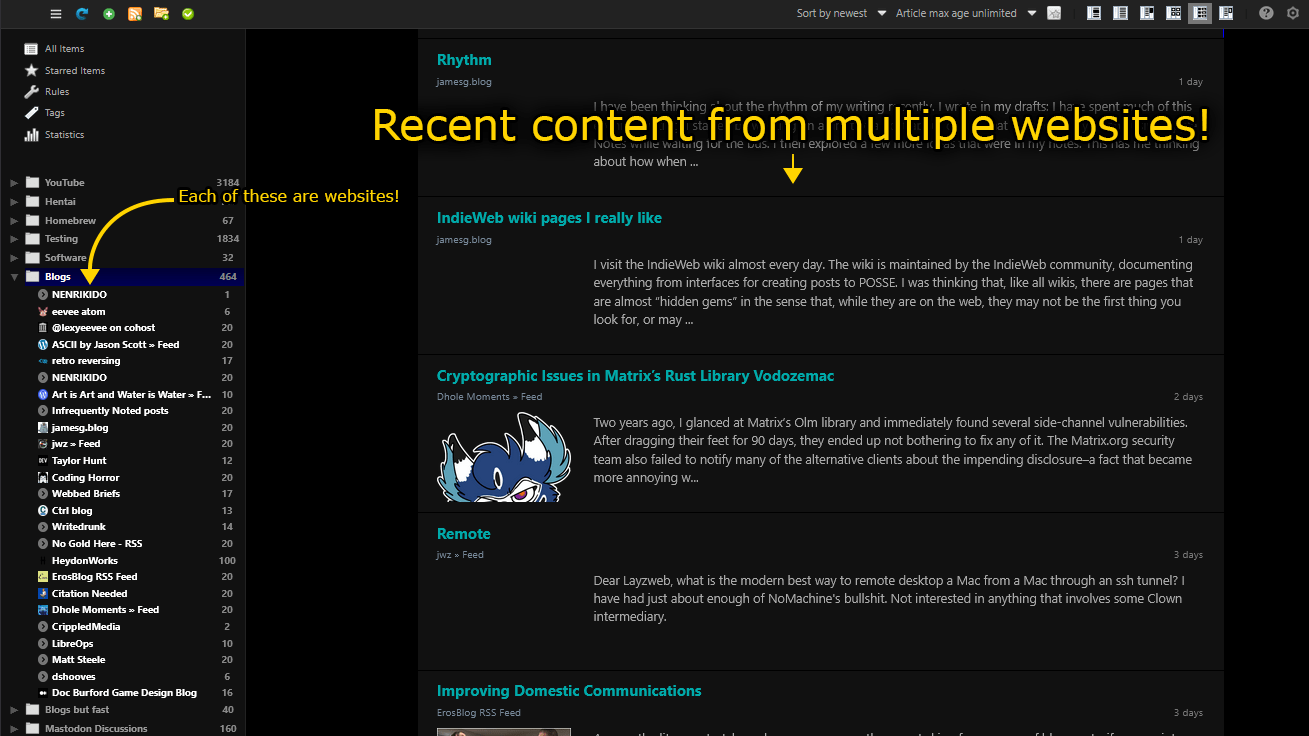 Looking at RSS feeds
#How to Use RSS Feeds
#My Point
# When you make your next website, don’t just blindly copy familiar designs. Think about them. There may be more useful ways to do things.