
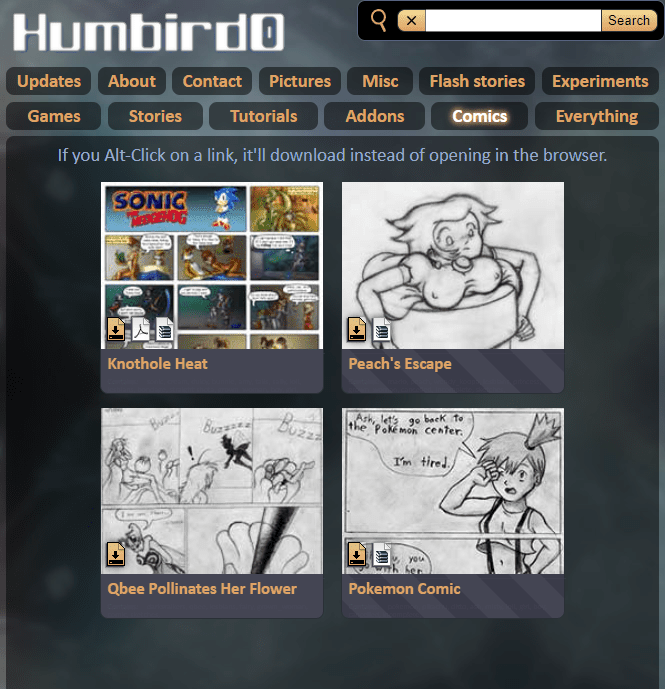
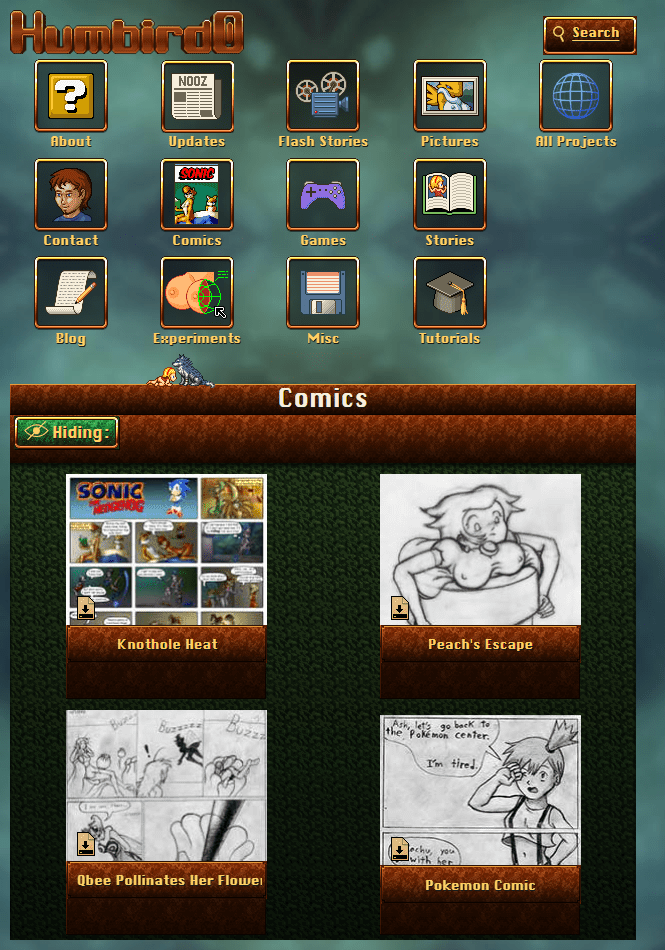
# Websites change over time, but their old content stays the same. So how do your store that part separately in a future-proof way? It’s not pure text. There are pictures and formatting too. How do you store that in a form that all future versions of your website can read? What format should you use? The lowest common denominator is plain text. But HTML itself has pretty good compatibility going back more than 20 years, but not every feature survived. Remember when you could play MIDI files as background music? Or play Flash animations?
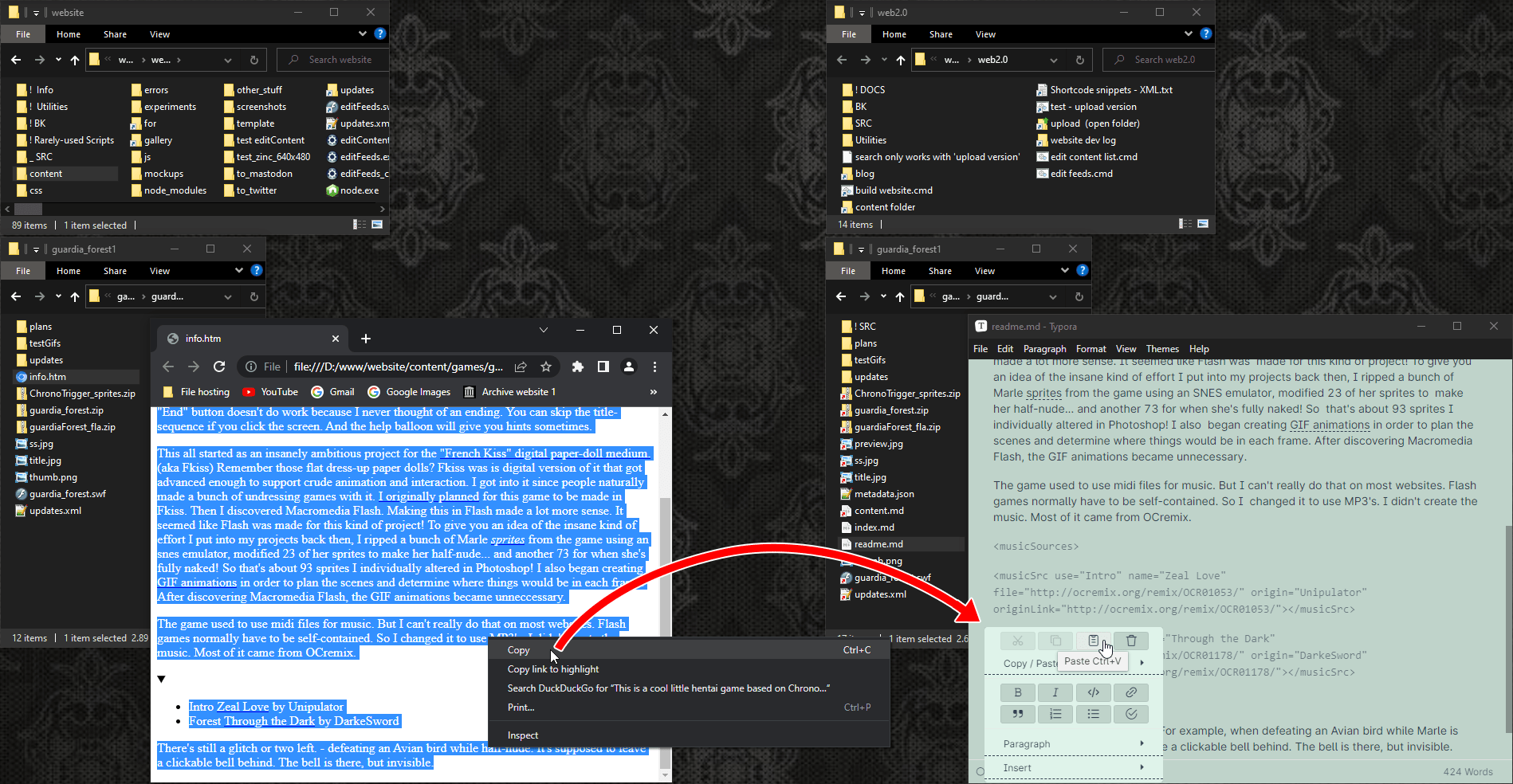
# Last year in 2023 I redesigned my website. It was a tedious process because I had to double-click the old HTML files, select all the plain text displayed in the browser, copy it, and then paste the text into a shiny new markdown editor. And then re-apply the formatting and re-import the pictures.
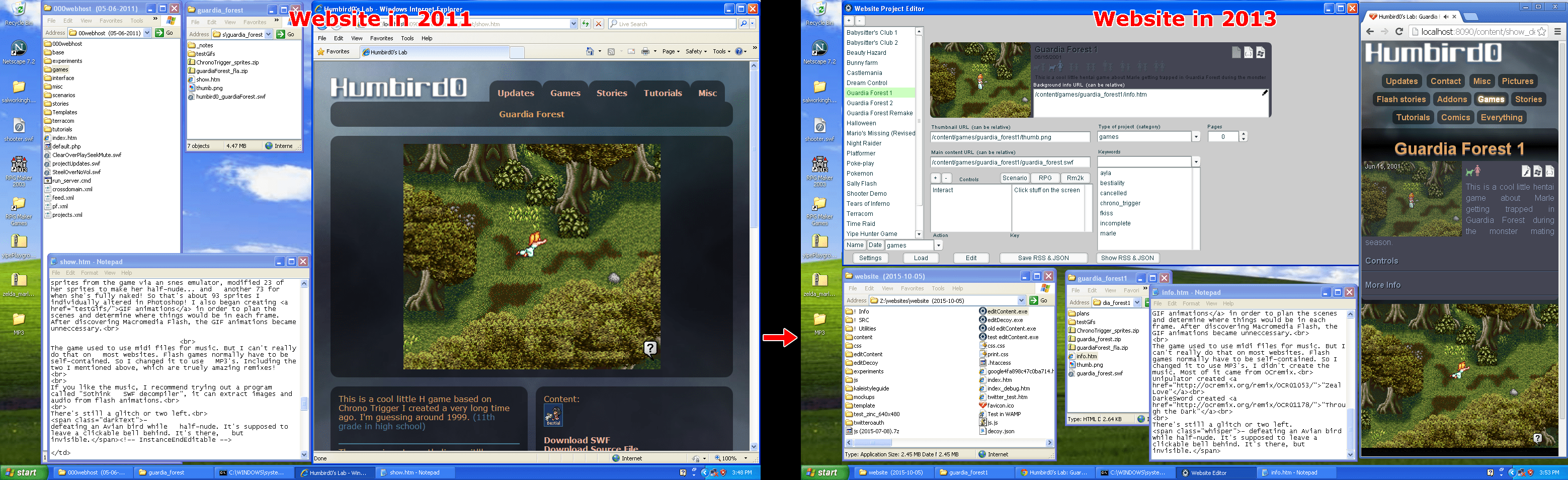
# It’s not the first time. 14 years ago in 2013, I also redesigned my website. I had just created a custom editor using Flash to generate JSON for my JavaScript single-page-app website. But that website wasn’t all JSON. Each project also had a readme file. A simple HTML file with minimal markup. So I double-clicked each of the older HTML files, selected part of the text, copied… and then pasted it into that project’s HTML readme file. This seemed to make sense. HTML is basically just XML right? Surely I could just use an XML program to read the data in the future.
# It turns out that HTML is not proper XML. Maybe XHTML was going to be, but that didn’t really take off. To put things in perspective:
- In 1997 HTML was the format of the future.
- In 2005 XML was the format of the future.
- In 2014 JSON was the format of the future.
- In 2016 Markdown was the format of the future.

# But I have noticed a pattern here. I always end up copying the plain unformatted text being displayed from the browser and then pasting that into whatever new thing I want to use. I never wanted to copy the old HTML directly. Why? Because plain text just works with everything no matter what. Which means I always had to manually re-apply the formatting and re-import the pictures afterwards.
# So why couldn’t I just use the HTML I already had? One problem was that my old website was inconsistent. In spite of my efforts to use minimal HTML, it was still all hand-written and so the same things would get formatted in slightly different ways on different pages. A computer program would struggle to recognize them all, and I would struggle to remember all the places I wrote something.
#
 I also had new ideas when I redesigned my website in 2023, about what kind of information I wanted to store, and how I wanted to present it. I often recommend artists. How should I store a “recommendation?” It’s not as simple as a bold tag. It’s a very niche and specific concept, so there is no single dedicated HTML tag for this. And being an abstract concept, it can also be presented in multiple ways. All equally valid. Should it be a semantic FIGURE tag with a fig-caption? But what if I want to include a link with it?
#
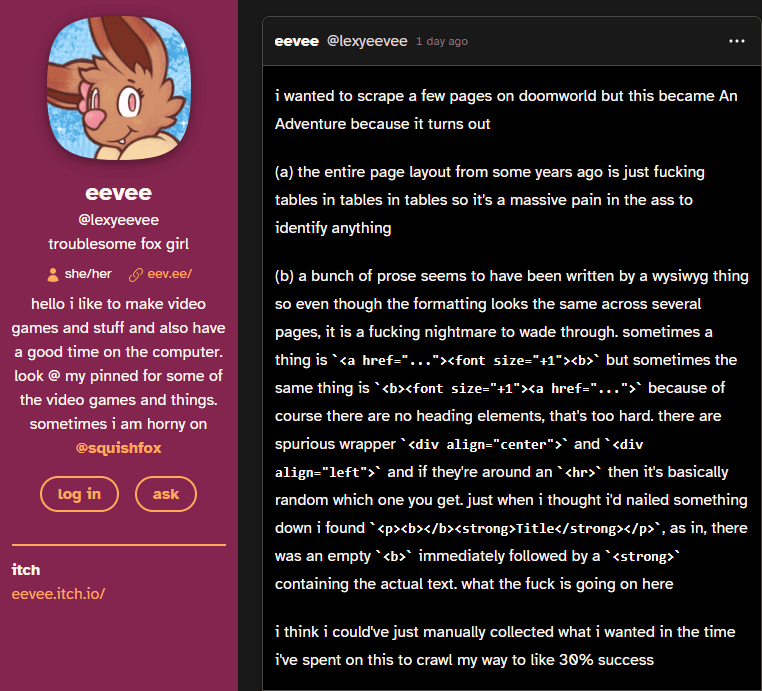 I also learned more about semantic HTML, schema microformats, and new CSS features that make new layout methods possible. What I needed was a more generic way to represent things, and a separate way to handle their presentation. It’s always a good idea to separate content from presentation, so that you can change how things look without having to modify ALL the content. That’s why CSS was invented in the first place, but it’s not enough by itself. And even though HTML lets you add tags with arbitrary names, I still need to include things like normal HTML links inside of them. The real problem is that any time you compose multiple tags together, they can end up in any order and create inconsistency. This makes it nearly impossible to detect that “set” of tags to convert things later on. But what if I could represent something using a single tag instead?
# So that’s what I did. Here in 2023 / 2024 I am storing my website’s source as Markdown, and using HUGO to convert it into HTML. BUT… I represent abstract things like artist recommendations using single “XML” tags because I found a way to make Hugo interpret these as short-codes so that it replaces them with whatever set of tags I want when it generates the HTML files. And if I lose that option in the future, any other markdown editor will harmlessly pass-through the original “XML tags” I wrote directly into the HTML, where something else could potentially detect and convert them… in theory.
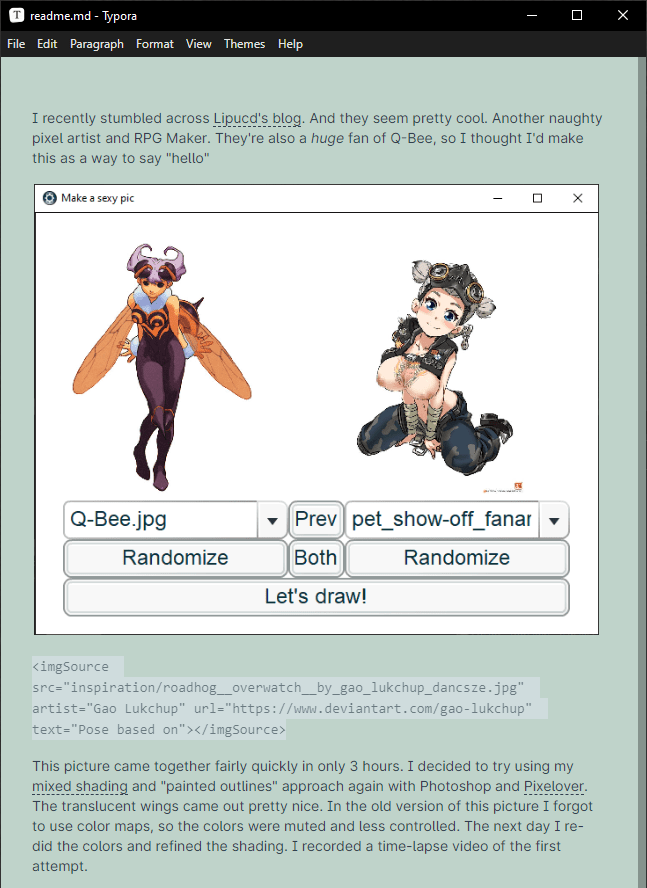
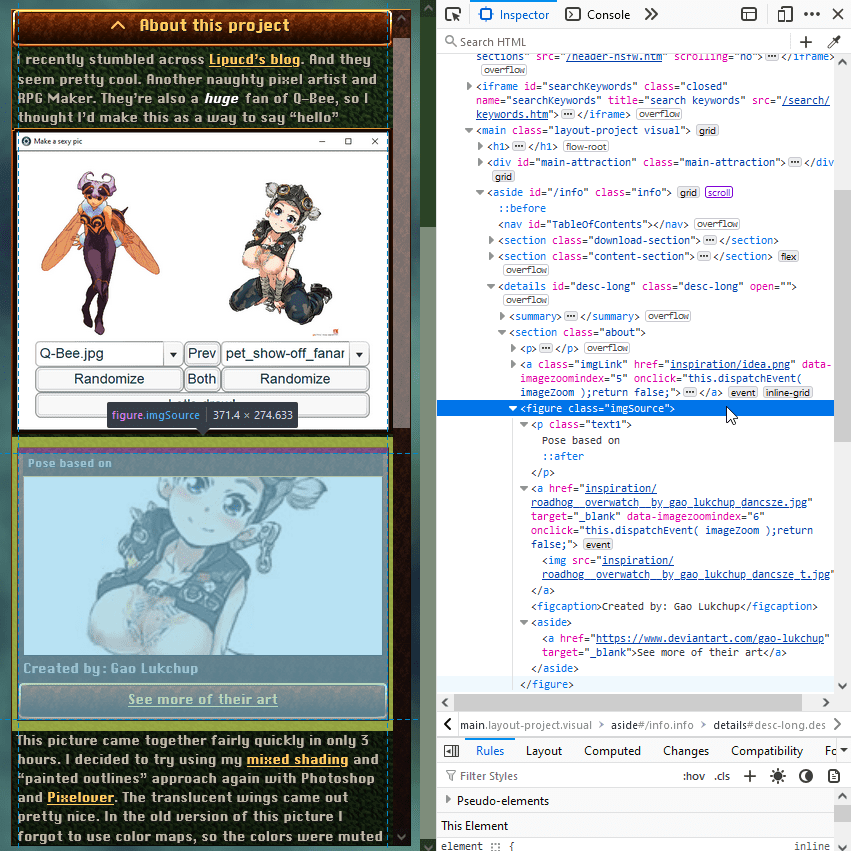
# This has two advantages. HUGO will always write this HTML exactly the same way every time so the order of tags will always be exactly the same, and my markdown files store the content in a form that is even simpler than HTML without needing to combine tags together.
# Hugo isn’t limited to generating HTML either. It can write any kind of text file. So in another 10 years when I (very likely) redesign my website again, I assume I can probably just use HUGO to convert the markdown into the next “format of the future”… assuming computers can still run x86 windows programs, but even that is not guaranteed. I suppose there’s always emulation.

#
 Part of my inspiration came from reading about how Cory Doctorow handles his blog. He is a very prolific blogger who has used XML for over 20 years and uses various python scripts to convert his articles for his website and social media posts. That probably works, but I don’t envy having to edit XML markup by hand.