# So I was playing Shantae Risky’s Revenge and marveling at the amazing anti-aliasing in the animations. Every time I see these games I always wonder “How on Earth did they make this??” Sure I can anti-alias a still image. But when it’s in motion, that’s way more complicated!
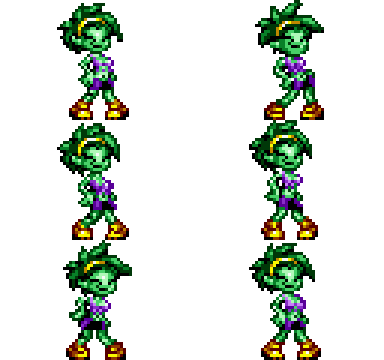
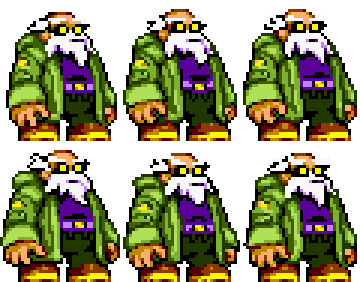
# Sure I do have one technique. But the Shantae games seem to animate in much more clever ways. How do you create a boob-bounce like RottyTops has?

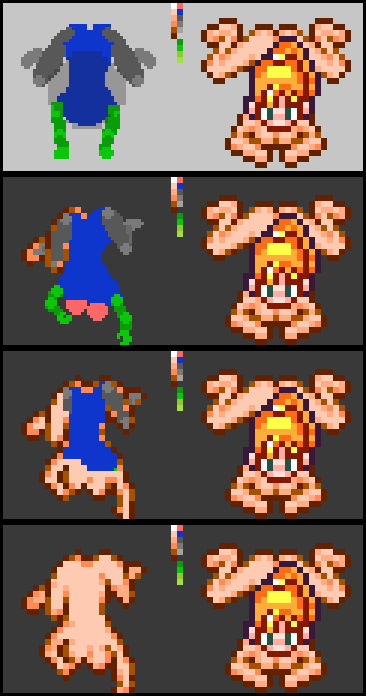
# Hmm… maybe if I animate the sprite at 2x or 3x size, and then scale it down with billinear blurring to generate the anti-aliased pixels?
# The problem with using a 2x2 grid is that it would create these ambiguous blobs when pixels move between the grid.
#
 At double size
 After shrinking by half
# That won’t look very good. I want lines, not fat blobs. So I need a better hint about which “side” to favor. So what if I force it to have a “bias” by animating on a 3x3 grid and then shrink down by 1/3? That would make it impossible for a moving pixel to be exactly between grid positions. Every pixel would have to slightly favor one side or the other. In theory it would probably look something like this.
#
 At triple size
 After shrinking to one third
# I think this would be more useful, because when I go to clean things up I would still see the shapes and lines. They won’t be turning into confusing blobs.
# But that’s just a theory. I need to test this to find out if it can actually work. It would be kind of a pain to create an entire animation just to test something that might not even work. Fortunately RockTheBull already made an animation kind of like this.
# He was experimenting with DIAN motion interpolation which resulted in a double-size sprite with the “pixels” moving in between the grid.
#
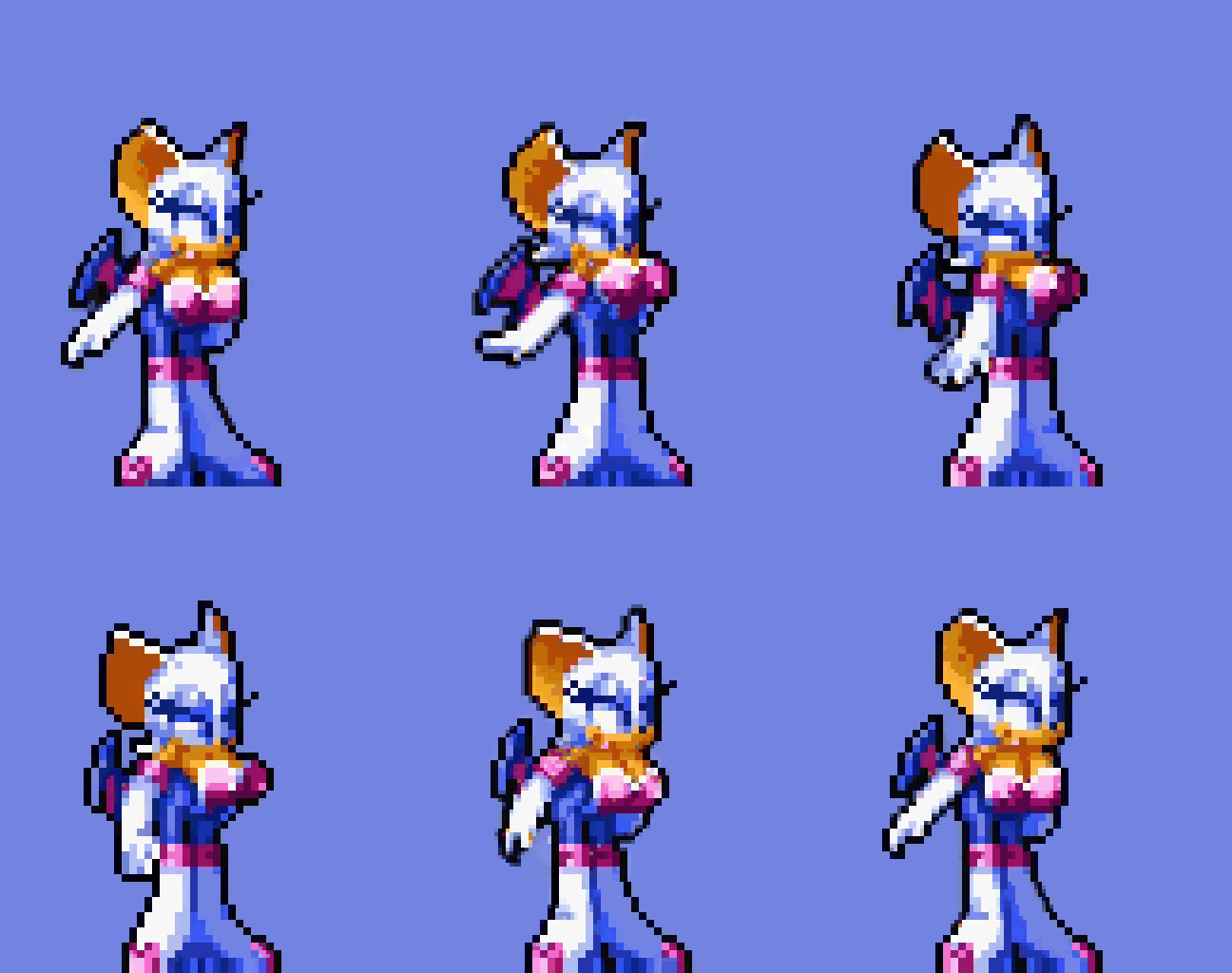 Interpolated animation
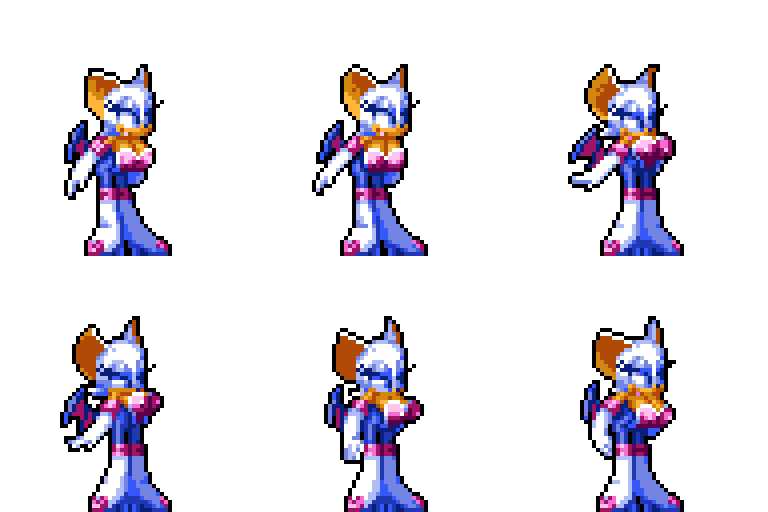 His original animation
# This resulted in an animation on a 2x2 grid, which is not ideal, but let’s try converting this into a 3x3 grid. I’ll multiply the size by 3x to make each pixel take up 6x6. Then shrink down by half to turn them into 3x3 pixels.
# Now… if I shrink this down by 1/3 using bilinear scaling, every pixel will “favor” a side.
#
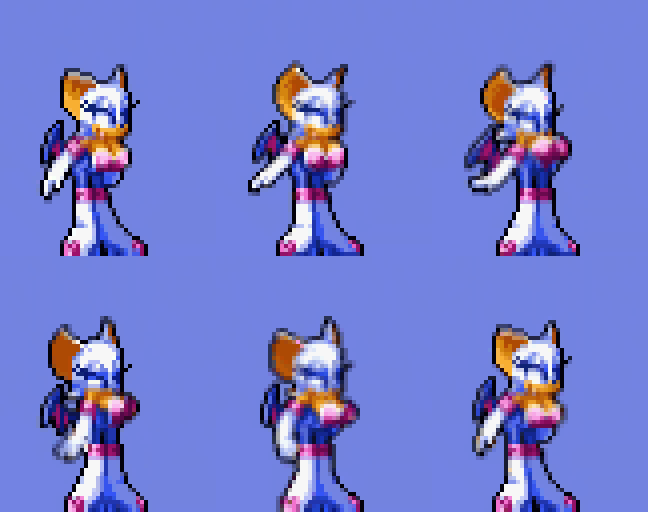 Hmm… for some reason all of the frames look slightly blurry. I guess his DIAN motion interpolation didn’t leave the original frames alone.
#
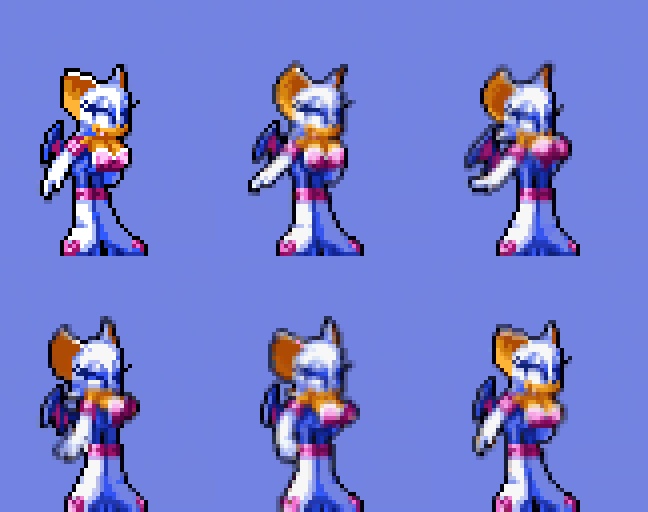 After re-adding the original framesI can remedy that by pasting the original images on top to clean up those particular frames.
#
 Now let’s try forcing this to use the original color palette, which will reduce some of the blurring. Any pixels that are only slightly blurred, will be snapped to an existing color, which will tend to match their surroundings.
# This looks very promising! Here’s a comparison.
# It’s not perfect. The white rim around her boobs keeps flickering, the edge of her wing turns into a blurry mess, and there is some anti-aliasing on the outside. But this does seem to achieve mostly good anti-aliasing. All it needs is a little clean-up here and there. But doing that is much easier than animating anti-aliasing completely from scratch.
# I guess the next thing to do is try to create a new Shantae animation, and see if I can make it look as good as the game.