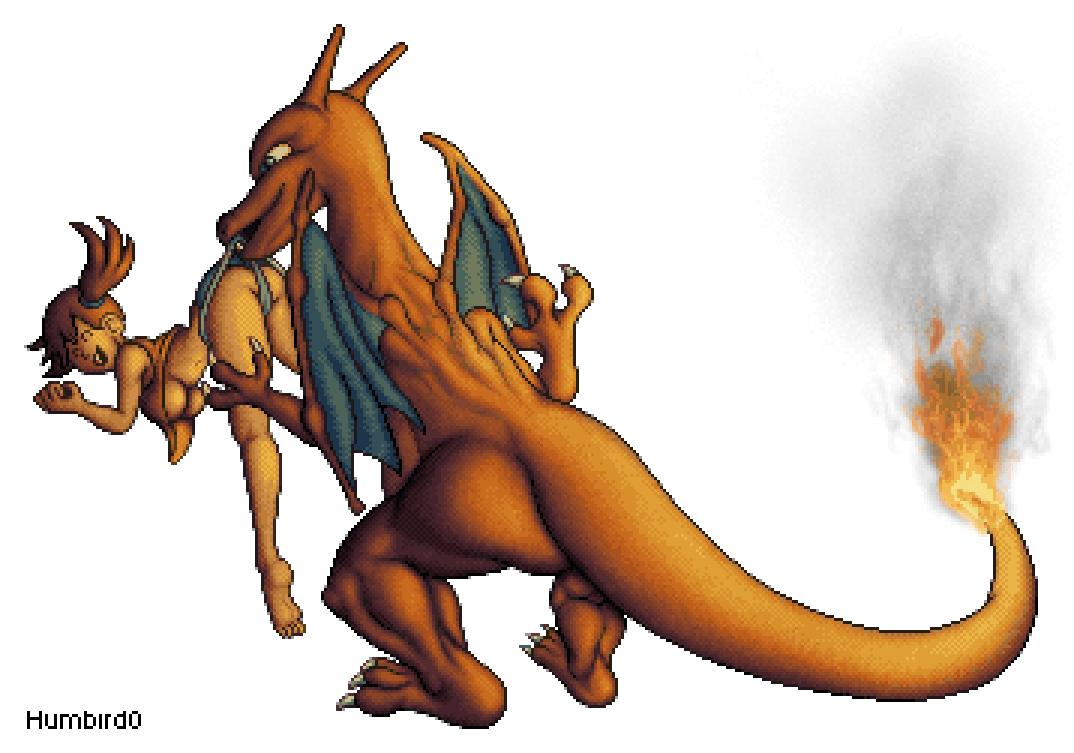
Someone’s getting laid!
#
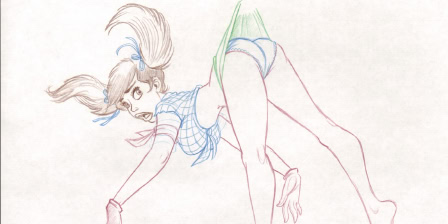
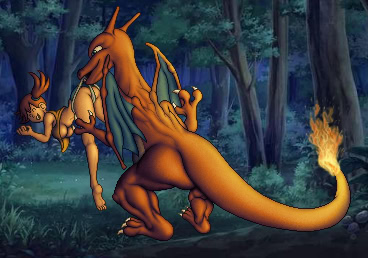
So I was salvaging a 12 year old PC and decided to turn it into my art machine. I set up Linux with Aseprite and Pixelover and threw Photoshop into a virtual machine. Everything seemed to be working well enough but I decided to try making a real project to put it through its paces. Looking for inspiration I saw this old picture by Dean Yeagle. So what if I did this… but with Misty!
#Plagiarism??
#
Sure, you could say I just traced over the pose. But I think I did a little more than that.
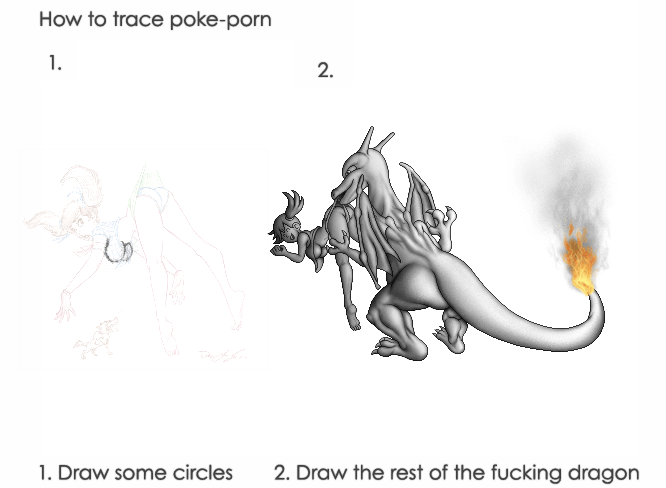
#Something Better Than Undo!
#
Before I started I realized something profound:
#
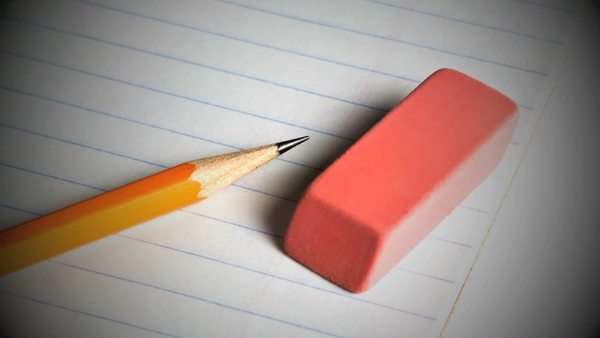 Sketching with a pencil and eraser is actually a better experience than using a Wacom tablet and undo! Think about it. When you’re drawing digitally, you end up redrawing every single line 5 times and undo-ing until you manage to draw that line perfectly, and then you try to draw the next line… But with an eraser you just remove the tiny part that’s wrong and keep the rest. No keyboard necessary. It’s trivial.
#
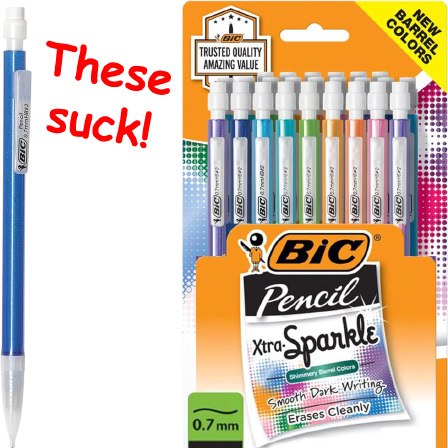 You probably think I’m exaggerating. Erasers don’t actually work. They just smudge everything and make lines slightly lighter. But that’s because you used a mechanical pencil. Try drawing lightly with a normal wooden No 2 pencil and then erase it. The line actually vanishes… completely!
#
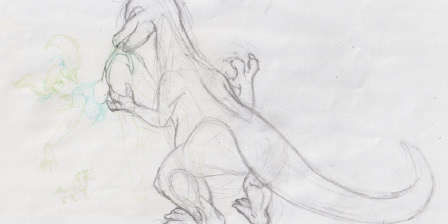
Realizing this, I printed out the pose and started sketching over it.
#
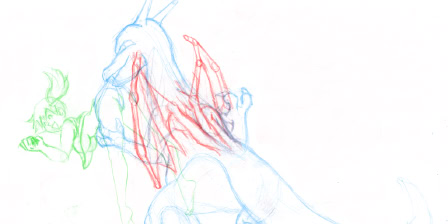
I actually made multiple sketches. Then I scanned them in and combined them together.
#
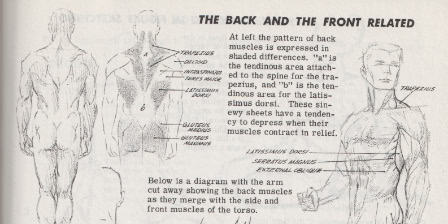
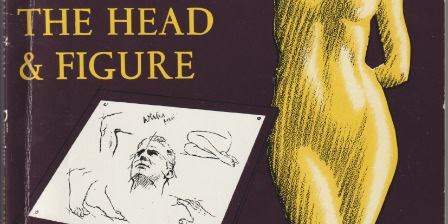
Mainly because it’s tricky to figure out how dragon wings attach to the back. I glanced at a figure drawing book to figure out which back muscle I could modify. It looks like the muscles between the shoulder blades actually split in two and go around the spine, so maybe I can extended them upwards and put wings on ’em?
#
#From Lines to Pixels
#
So now I had a combined pencil sketch.
#
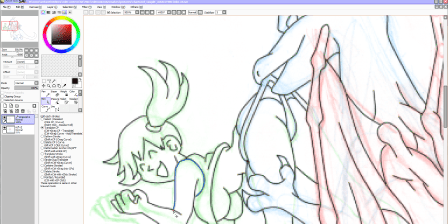
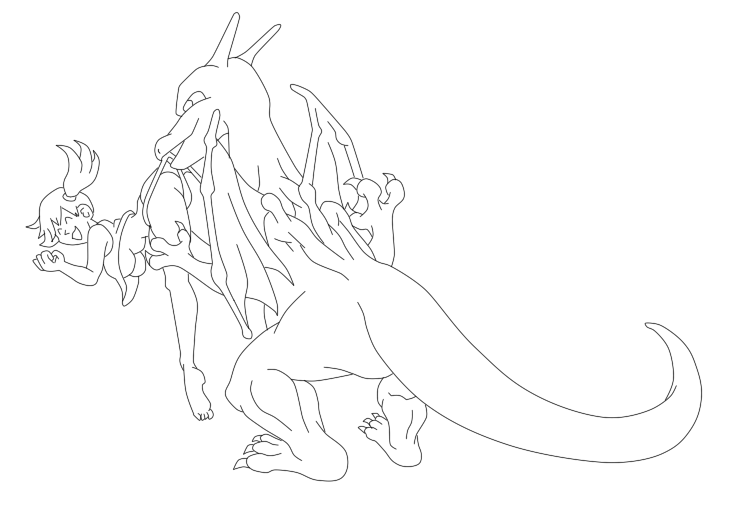
I shrank it down to twice the size of my intended sprite picture, and “inked” over it using Paint Tool Sai’s amazingly intuitive vector “curve” tool.
#
This gave me some crystal clear lines. Which looks kind of boring for a normal digital picture…
#
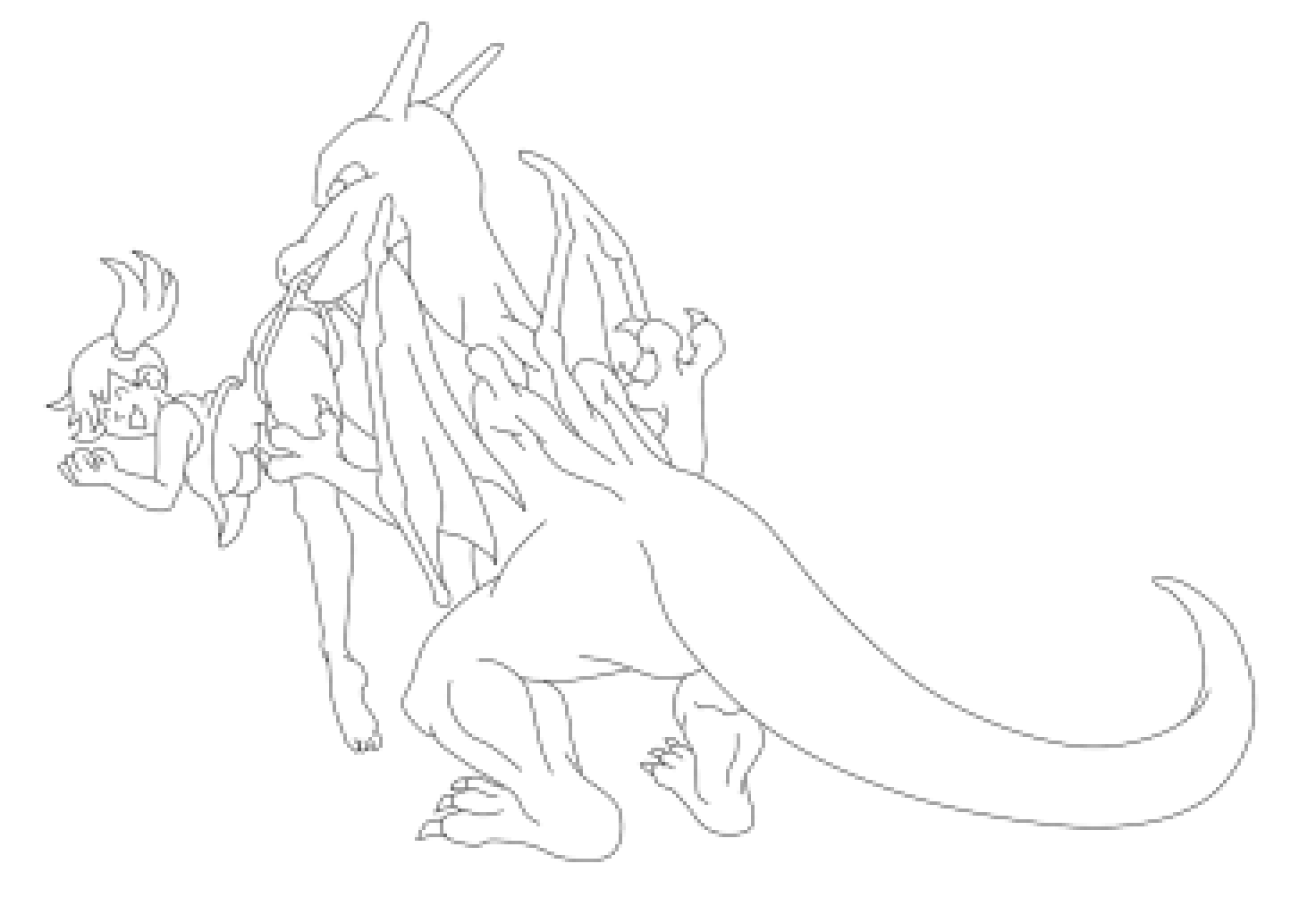
… but if I shrink these thin lines in half using bilinear scaling…
#
… it’s perfect for tracing into a sprite!
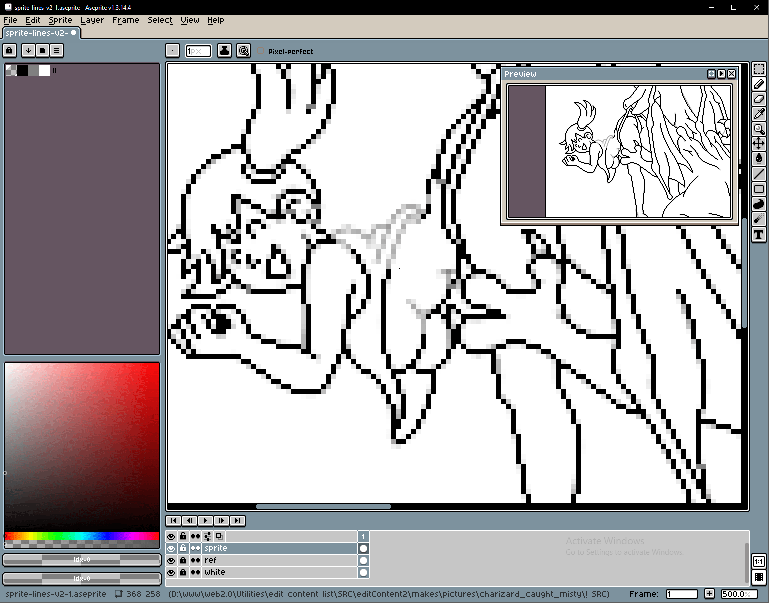
#
And of course I also anti-aliased the lines, using my simple side-by-side technique.
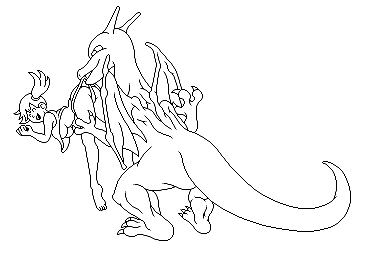
#
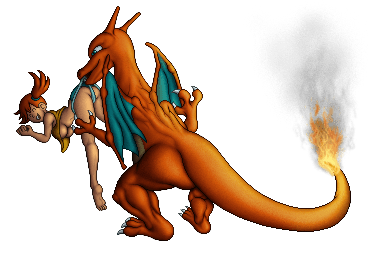
The rest is just my
 usual Photoshop shading
, but I’ll point out a couple of new tricks.
usual Photoshop shading
, but I’ll point out a couple of new tricks.
#Mood Lighting Using a Gradient Map
#
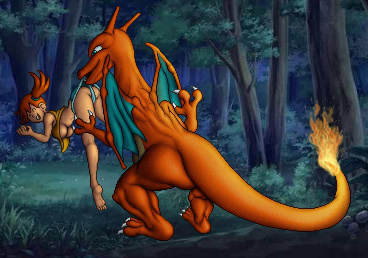
Let’s start with an easy one. These colors are cartoonishly bright. If I stuck a background behind them, they would not blend into the scene’s mood.
#
But if I add a gradient map… everything starts to look more convincing.
#
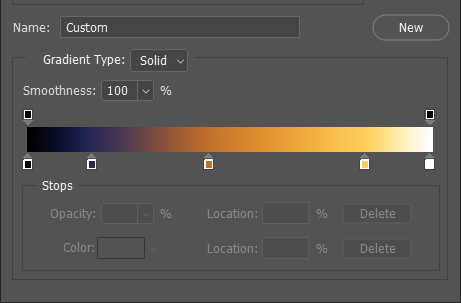
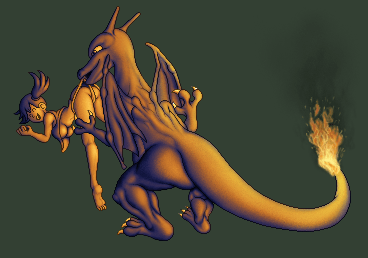
I start by adding a gradient map like this, which replaces all of the shades of brightness with these colors…
#
#
… but then I fade the effect by half, so instead of completely replacing the colors, it partially tints them.
#Fire!!!
#
 I didn’t think my previous approach to fire would fit this art style. I needed to achieve something a little more realistic.
#
So I pulled up some reference material for ideas.
#
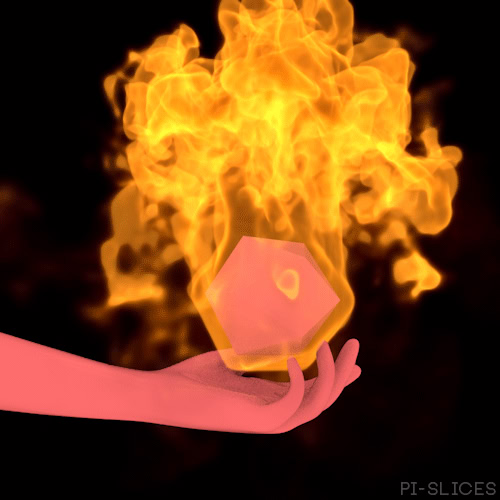 engulf and flaming plume
 glowing edges
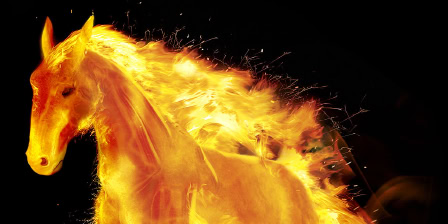 embers
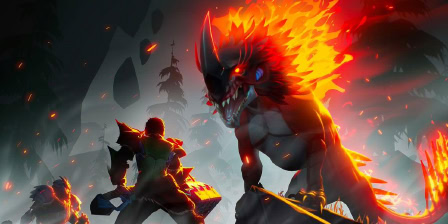 glow
glow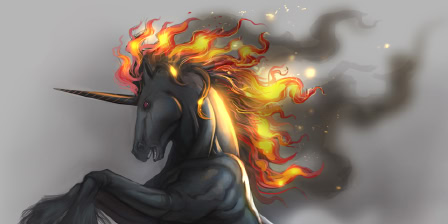 smoke
smoke
#
And then I recreated these effects as well as I could.
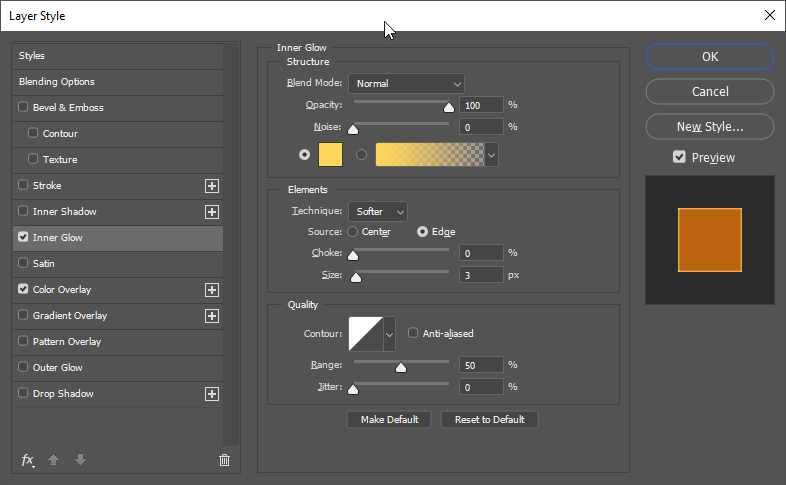
#
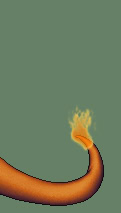 engulf
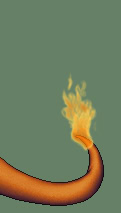 plume
plume
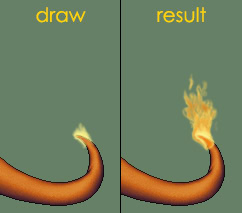 glowing edges
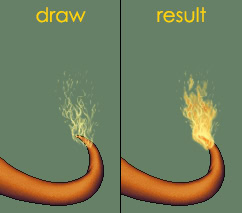 embers
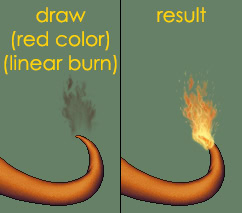 red colors
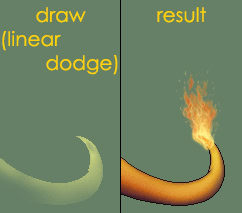 cast light
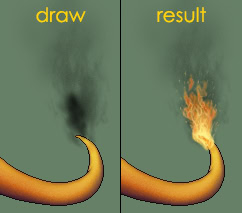 smoke
smoke#Make it Look Authentic
#
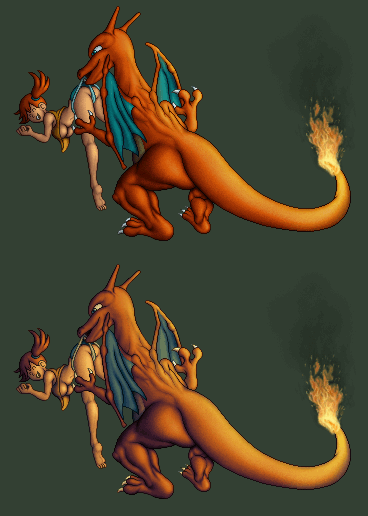
And finally I crunched down the colors in Pixelover to make this sprite art look somewhat more authentic… well if you ignore the translucent alpha channel stuff.
#
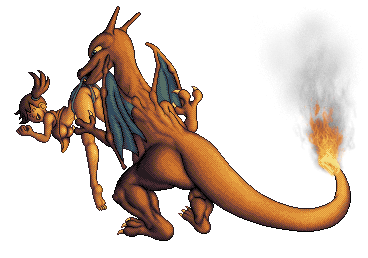 At first I squeezed it into a 15 color palette like a massive Super Nintendo sprite. It looks… fine I guess.. But I felt like I was losing too much color detail. Aside from the green area, everything else is almost monochromatic.
#
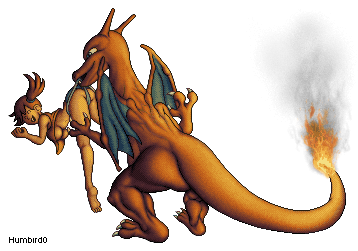 So I bumped it up to 24 colors. It’s still fairly monochromatic, so I’m not sure it mattered much in the end, but the details do look smoother.
#
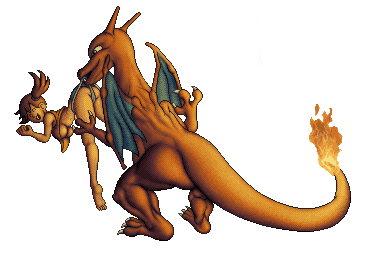
And if you’re curious what it looks like without any translucent “cheat” pixels… it’s really not that different.
#
You might wonder why I bother with this palette step, but the challenge of reducing the colors is part of the fun. One more puzzle to solve. And it’s interesting to wonder what the old consoles could have done back then if people had even better tools.
#The Old PC
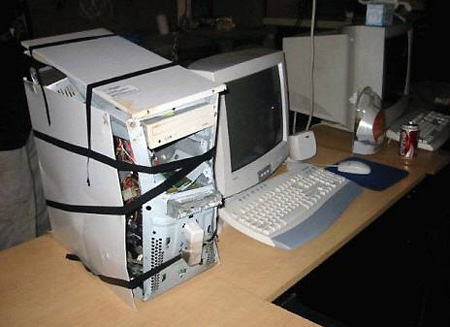 Mine is not quite this bad
#
So how did the old PC do? Pretty well actually! It ran Photoshop in a virtual machine like a champ. But surprisingly it really struggled to run the linux version of Pixelover. The program was literally running at 1 frame per second. Not even exaggerating. It was a total slide-show!
#
I later tried running the same program on a newer low-power 12 watt PC and Pixelover ran just fine with the integrated graphics. But Photoshop’s virtual machine ran slowly. So maybe this was a GPU problem?
#
A week after that I tried swapping the graphics card in the old PC for a newer Nvidia 1050 TI and sure enough the 12 year old PC started running Pixelover as smooth as butter. So I guess this was just some weird edge-case where PixelOver’s godot engine could not run on a really old graphics card.